
GTA 6 update fixes autosaves and missing mission calls
Rockstar’s November 23 update fixes a GTA 6 autosave problem and an issue that stopped some phone calls during missions and the story. The update is version 01.002.002 on PlayStation 5 and 1.0.2.2 on Xbox Series X|S.
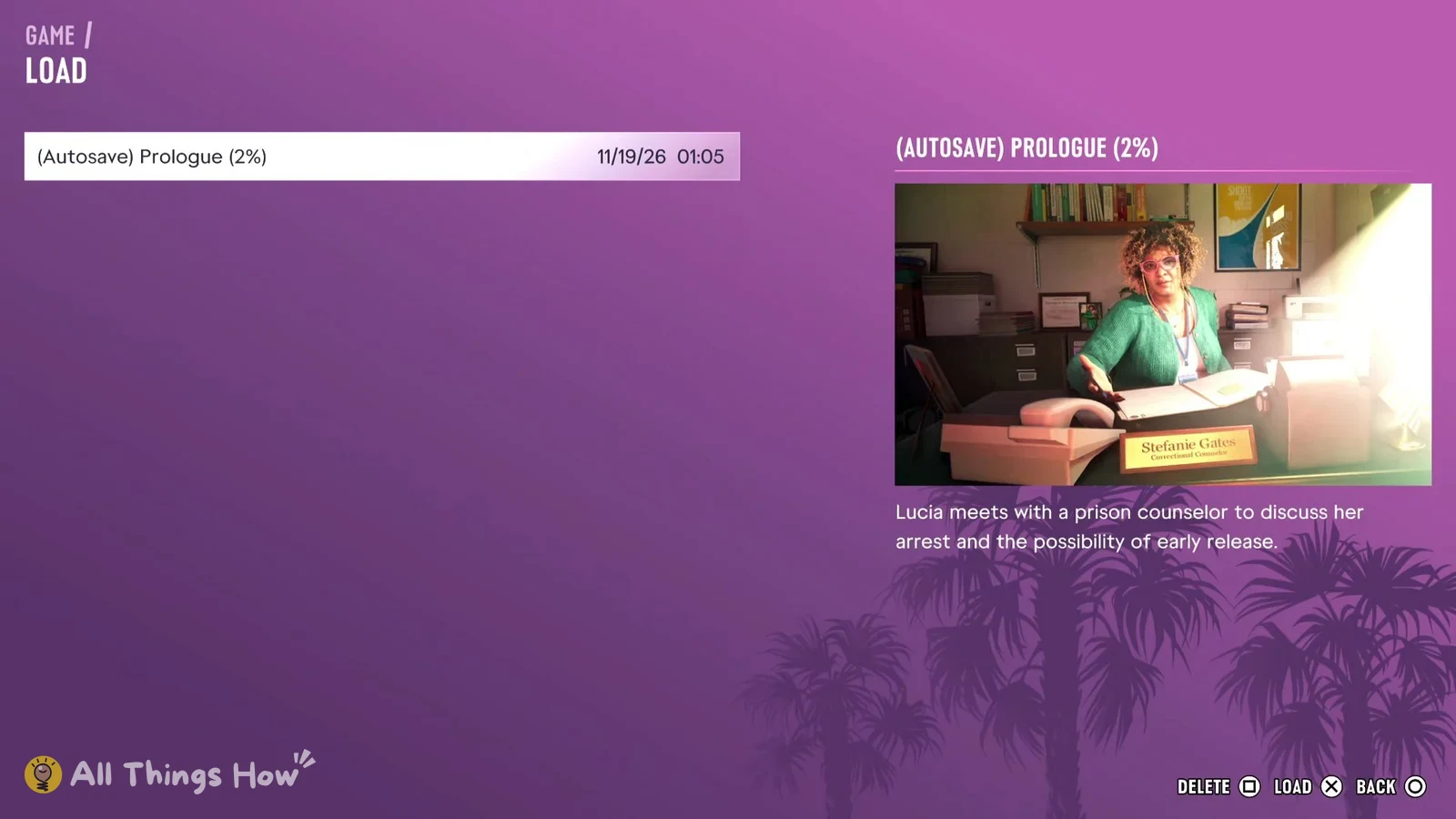
If the game opens on an earlier mission
Open the pause menu and go to Game, then Load Game. Look for the entry marked Autosave and compare its mission name, progress and timestamp with your manual saves before choosing a file. The autosave can appear here even if you didn’t see it when choosing a manual save slot.
Rockstar describes a fix to how the game saves. Its notes do not promise to restore an older file that was overwritten. If several entries look familiar, keep the manual slots intact while you compare them.
Find your autosave and compare save slotsIf a story call never came
Install the update before replaying a long stretch of story. After loading your save, open the Index and check which mission or contact is available. Rockstar didn’t identify every affected call, so a quiet phone by itself doesn’t tell you which mission is next.
Find your next story missionCheck your installed version on PS5 or XboxSources
- Rockstar Games · November 23 launch update notes
- All Things How · GTA 6 autosave and Load screen
- Player report · autosave found under Load Game