
GTA 6 code already redeemed or entered on the wrong account
An already-used GTA VI code cannot be redeemed a second time. Check the order history on the account you used, then the game library. Sony’s GTA VI support directs PS5 code-in-box buyers to the retailer if the game is still missing after checking the other accounts they use.
On this page
Find the PlayStation transaction
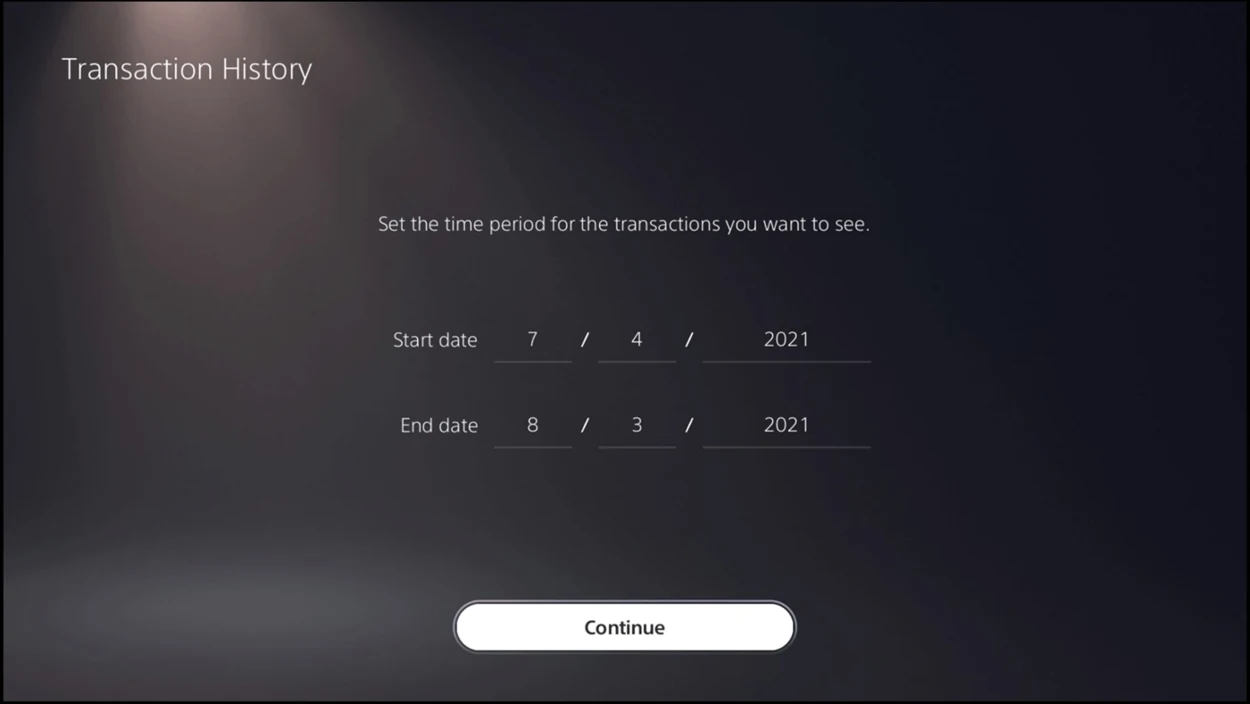
On PS5, open Settings, Users and Accounts, Account, Payment and Subscriptions, then Transaction History. Select the account and date range. Look for the base game. If it appears, use the purchasing account’s Game Library to download it. Check other household accounts with their owners if the first account shows nothing.
Sony cannot move game ownership between PlayStation accounts. If someone in your household redeemed it on their account, they can enable Console Sharing and Offline Play on the PS5 you both use. Their account keeps the license.
Find the Xbox transaction
Sign in to Microsoft order history with the account behind your Xbox profile. Under Payment & billing, select Order history. Set the date range around the redemption date and look for Completed or Redeemed. Check the product name: the free month of GTA+ or an edition upgrade is a separate item from the game. If you find GTA VI, sign in to the console with that same account and check its library. Xbox says a redeemed digital code cannot be transferred.
What to do when there is no matching order
Keep the receipt, seller name, code insert and exact error message. For a missing, damaged or already-used PS5 box code, contact the retailer. For an Xbox activation error, contact Xbox Support. If the seller sent a used box, contact the seller with your receipt.